Introduction: Why Choosing the Right WordPress Theme Matters for Business...

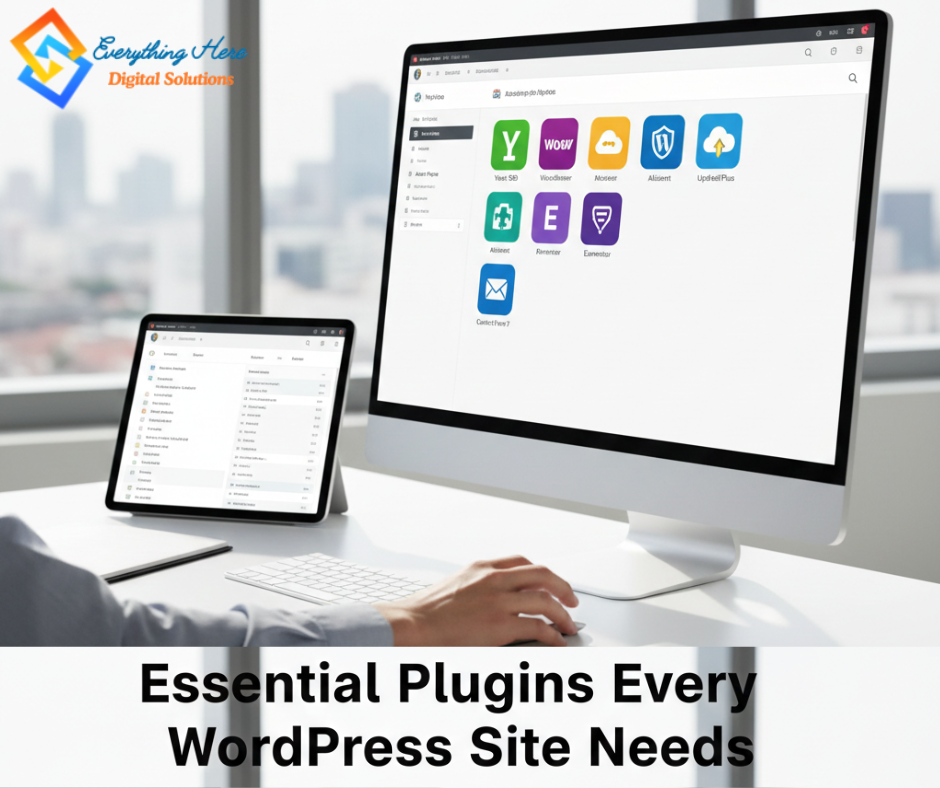
WordPress is one of the most popular content management systems globally, largely due to its extensibility and user-friendly interface. At the core of this extensibility lies a diverse range of plugins. WordPress plugins are pieces of software that can be added to WordPress sites to enhance their functionality and improve the overall user experience. From optimizing search engine rankings to enhancing security measures, the right plugins can elevate a website’s performance significantly.
The importance of WordPress plugins cannot be overstated. They allow users to customize their sites according to their specific needs, whether for e-commerce, blogging, or portfolio showcases. New WordPress users, as well as seasoned webmasters, can benefit from understanding which plugins are essential for their website’s success. As the landscape of web development continues to evolve, the necessity for effective and reliable plugins becomes apparent.
For beginners, essential plugins may offer basic functionalities, such as contact forms, SEO optimization, and social media sharing capabilities. Meanwhile, experienced users can focus on more advanced options, including analytics tracking and performance optimization tools. The variety of plugins available ensures that each website can be tailored uniquely to its audience and objectives, fostering both engagement and growth.
This discussion will explore various categories of essential WordPress plugins, highlighting options that cater to different site requirements. By equipping a WordPress site with the right plugins, users can enhance their website’s capabilities, ensuring it meets the standards necessary for success in an ever-competitive digital landscape.
Search engine optimization (SEO) is crucial for any WordPress site aiming to enhance its visibility and attract organic traffic. SEO plugins play a significant role in this process, offering tools and functionalities that simplify the optimization of web pages for search engines. Among the leading plugins in this category are Yoast SEO and Rank Math, both of which empower site owners, particularly beginners, to improve their on-page SEO effectively.
Yoast SEO, for instance, provides a user-friendly interface that guides users through the essential elements of optimization. It analyzes content in real-time, suggesting improvements such as optimal keyword density, meta descriptions, and title tags. This plugin also offers features like XML sitemaps and social media integration, which play a vital role in ensuring seamless connectivity between the site and search engine algorithms. Conversely, Rank Math boasts an advanced setup wizard and enables users to manage multiple SEO settings from a single dashboard, thereby streamlining the overall process. It is particularly popular due to its modular approach, allowing users to enable or disable features according to their needs.
However, while both plugins offer tremendous benefits, they come with certain drawbacks. Yoast SEO has a more limited free version, potentially nudging users towards premium upgrades. On the other hand, Rank Math, despite being feature-rich, may overwhelm beginners with its extensive options. For those seeking alternatives, plugins such as All in One SEO Pack and SEOPress stand out as viable options, providing a different range of functionalities that may better suit specific needs.
To maximize the effectiveness of SEO plugins, it is essential to adhere to best practices during setup. This includes selecting focus keywords judiciously, optimizing images for faster loading times, and ensuring mobile responsiveness. Additionally, maintaining consistent content updates not only attracts visitors but also enhances search rankings, ultimately leveraging the power of these plugins for sustained success.
In the digital landscape, safeguarding a WordPress site is paramount, which is why security and backup plugins are crucial for any website owner. These tools help defend against a variety of threats such as malware, hacking attempts, and data loss, which can severely impact the integrity and availability of your website. Implementing reliable security measures along with a robust backup solution is essential for maintaining a healthy online presence.
One of the standout plugins in the realm of security is Wordfence. It provides a comprehensive security solution, including a firewall, malware scanner, and login attempt limiting features. Wordfence’s real-time traffic monitoring enables users to track visitors and identify potential threats. Notably, the plugin employs a robust threat intelligence network that updates its firewall rules and malware signature database in real-time, ensuring that your site remains protected against emerging threats.
For backup solutions, UpdraftPlus is a leading option that offers both convenience and reliability. This plugin allows website owners to create complete backups of their WordPress files and databases with ease. UpdraftPlus supports various storage options, including cloud services such as Google Drive, Dropbox, and Amazon S3, giving users the flexibility to store their backups securely. Its automated scheduling feature ensures that backups occur regularly without manual intervention.
However, like any tool, these plugins come with their advantages and disadvantages. For instance, while Wordfence excels in security features, it may consume substantial server resources, which can be a drawback for sites with limited hosting capabilities. Conversely, UpdraftPlus, while user-friendly and effective, may offer limited support on the free version, necessitating consideration of a premium upgrade for more extensive features.
Ultimately, it is recommended for users to regularly update their security and backup solutions, audit their settings, and conduct periodic tests of their backup restoration processes. By integrating these essential plugins, WordPress users can significantly enhance their site’s security posture and ensure the safety of their data.
In the digital landscape, website performance plays a critical role in user experience, search engine ranking, and overall engagement. Slow-loading sites can lead to high bounce rates and lowered conversion rates. Therefore, utilizing performance and optimization plugins is crucial for any WordPress site aiming for success. Among the most effective types of these plugins are caching solutions and image optimization tools, which can significantly boost a website’s speed and usability.
One of the foremost plugins in the caching category is W3 Total Cache. This robust tool enhances site performance by caching static files, which reduces server load and speeds up page load times. The plugin offers features such as browser caching, database caching, and content delivery network (CDN) integration. By implementing these features, users can experience quicker load times, positively impacting both engagement and SEO rank.
Additionally, image-heavy websites may find benefits from utilizing Smush, an image optimization plugin designed to compress and optimize images without compromising their quality. By reducing image file sizes, Smush helps to improve overall load times, which is particularly beneficial for users on mobile devices or slower internet connections. The plugin also allows for bulk optimization of existing images, which can save time and enhance site performance seamlessly.
To effectively use performance and optimization plugins, it is essential to follow best practices. Regularly update plugins to ensure compatibility with the latest WordPress versions and optimize settings tailored to specific site needs. Additionally, conducting performance tests before and after implementation can provide valuable insights into the improvements made. In conclusion, investing in performance and optimization plugins such as W3 Total Cache and Smush can significantly enhance a website’s speed and user experience, laying a foundation for online success.
Selecting the right plugins is critical for the success of any WordPress site. Plugins enhance functionality, optimize performance, and improve user experience, but they also have the potential to slow down your website if not chosen wisely. As such, it is essential to invest time and effort into evaluating plugins before integrating them into your site.
First and foremost, consider the specific needs of your website. Identify what functionalities are necessary to achieve your goals. Whether it’s improving SEO, enhancing security, or adding e-commerce capabilities, understanding your priorities will help you focus on relevant plugins that provide real value. Next, conduct thorough research on the plugins you are considering. Look for plugins with positive reviews, high active installations, and consistent updates. This not only indicates reliability but also a better chance of continued support from developers.
Additionally, don’t forget to check plugin compatibility with your current WordPress version and other plugins. Conflicts can arise when plugins are not designed to work together, potentially compromising your site’s performance. It’s also wise to test plugins in a staging environment before going live to ensure they meet your expectations without introducing problems.
Finally, take the time to regularly review your plugins. As your website evolves, so do its needs. Regular audits will help you identify outdated or underperforming plugins, enabling you to replace them with better options. By following these steps, you will not only enhance your WordPress site’s performance but also position it for sustained success in a competitive digital landscape.
Ready to take your online presence to the next level?
At Everything Here Digital Solutions, we help businesses grow with result-driven strategies that improve visibility, ranking, and conversions.
Introduction: Why Choosing the Right WordPress Theme Matters for Business...
Introduction Image optimization is a crucial aspect of web development...
Introduction – Why Website Speed Matters In the contemporary digital...
The Importance of Website Backup Website backup is a crucial...
Introduction to WordPress Security Website security is an essential aspect...
Introduction: Understanding WordPress and Its Benefits WordPress is an open-source...
WordPress Plugins SEO plugins security plugins performance optimization essential wordpress plugins WordPress Plugins SEO plugins security plugins performance optimization essential wordpress plugins WordPress Plugins SEO plugins security plugins performance optimization essential wordpress plugins
WordPress Plugins SEO plugins security plugins performance optimization essential wordpress plugins WordPress Plugins SEO plugins security plugins performance optimization essential wordpress plugins WordPress Plugins SEO plugins security plugins performance optimization essential wordpress plugins

We’re your one-stop solution for building stunning websites, crafting engaging content, and optimizing your online presence. Let our expert team turn your vision into success, guiding you every step of the way in the digital world.
Indian Timing: 8 AM to 10 PM
UK Timing: 6:30 AM to 4:30 PM
USA Timing: 8 AM- 2 PM (CST)
Phone: +91-8073352154
Email: info@everythinghere.in
Address: SHANTHINAGAR (SUB OFFICE), BANGALORE, KARNATAKA (KA), India (IN), Pin Code:- 560027